
Provider endpoint pools
Admin-managed pools for routing one logical model across multiple provider targets.
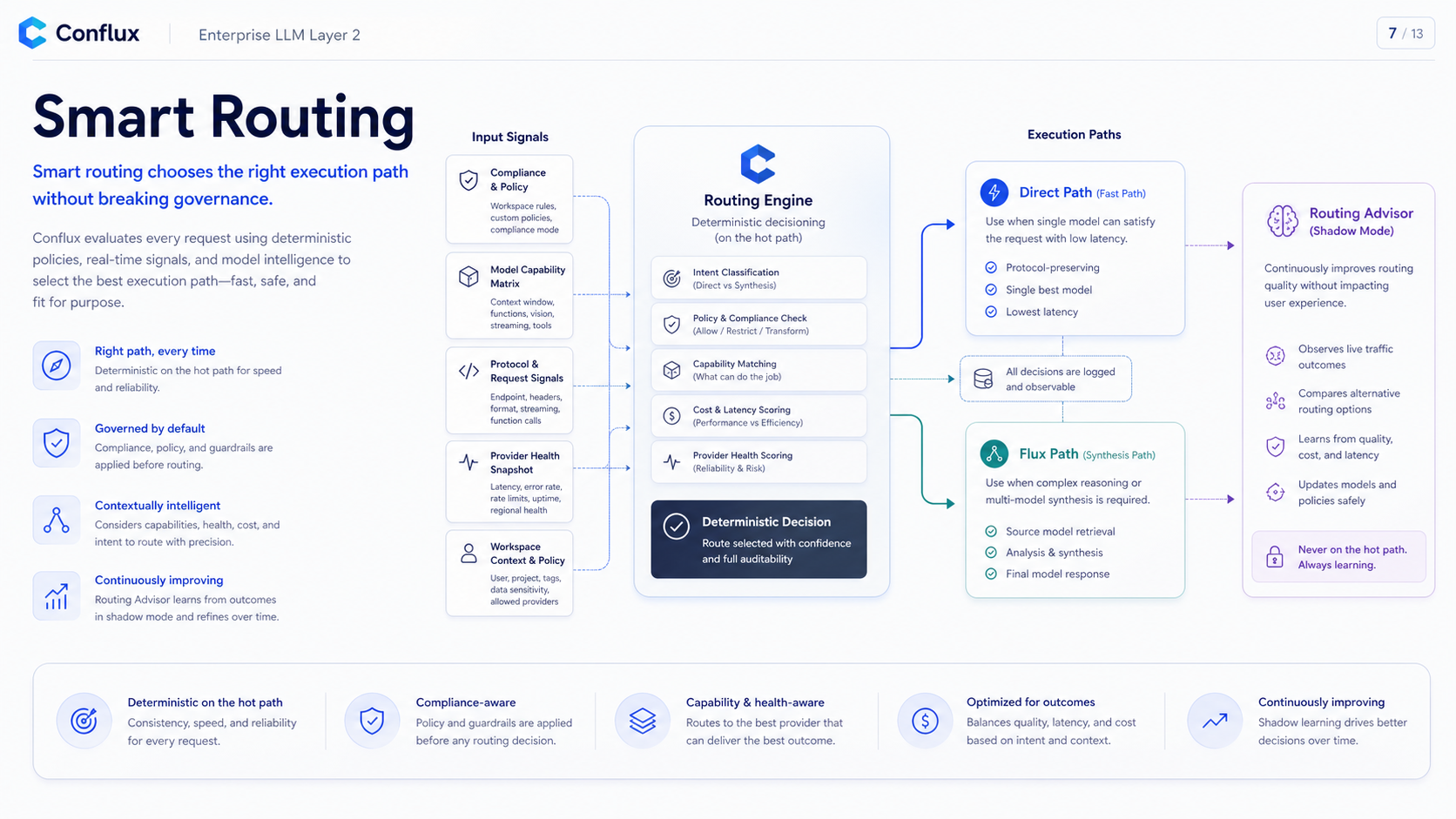 Click to enlarge
Status
Provider endpoint pools are now implemented as a DB-managed routing foundation. Existing provider endpoints and direct model usage remain unchanged. Pools are an optional layer admins can create after provider endpoints and model targets already exist.
The current release includes the admin pool UI, schema-backed pool config, runtime pool expansion, per-pool reservation state inside each API replica, DB-backed member runtime observations, pre-response retry for non-stream requests, persistent cooldown/circuit outcomes from 429/5xx/timeout failures, and deterministic selector tests. Pool route metadata is recorded in existing routing reason/audit fields, and the admin page shows member health summary data. Queueing is opt-in per pool with bounded FIFO admission; initial queue failures are JSON 429s before SSE, while failures after SSE starts remain protocol-native SSE errors. In-flight, max-concurrency, and FIFO queue state are per API replica today; production currently has one Go API replica, and horizontal shared coordination remains tracked in #268. Queue depth, wait duration, and outcome are structured logs, not an admin runtime dashboard. Diagnostic DB counters include a stale-window guard for crashed workers.
Admin workflow
- Add provider endpoints in Routing & Providers, the same way as today.
- Import or add concrete provider model targets.
- Open the Endpoint pools tab, create a pool from existing targets, and assign one public logical model ID.
- Configure strategy, weights, priorities, per-member concurrency, bounded queue controls, sticky sessions, retry attempts, and enabled state.
- Expose the pool through workspace and API key policy like any other public model.
Pool configuration must be stored in the database and edited from the web UI. Changing targets, weights, concurrency, queue depth/timeout, cooldowns, or enabled state must not require restarting Conflux services.
Model contract
Routing policy
Pool routing should filter candidates first, then choose from eligible targets. The first production default is conservative, while advanced strategies are present and can be enabled per pool.
Failover boundary
Conflux may retry an eligible alternate target before a response is committed. It must not switch providers after the first streamed byte or token is emitted, because that can duplicate work or break the response.
Failover must not cross compliance, data-residency, local-only, internal-only, or capability boundaries.
Examples
Ollama local pool
Public model: conflux/local-coder
Targets:
- ollama-host / qwen2.5-coder:32b
- ollama-a    / qwen2.5-coder:32b
- ollama-b    / qwen2.5-coder:32b
Policy:
- least_in_flight
- max concurrency per target
- cooldown on 429/5xx
- no cloud fallback unless an admin explicitly adds one
Cloud multi-key pool
Public model: conflux/sonnet-prod
Targets:
- openrouter-prod-a / provider-model-id
- openrouter-prod-b / provider-model-id
Policy:
- weighted_round_robin 50/50
- respect Retry-After
- cool down limited keys
- fail over only before streaming startsOllama URLs
Ollama can be used as a local gateway endpoint with no API key, but the URL is resolved by Conflux, not by the browser.
Same host:
http://127.0.0.1:11434/v1

Docker Compose service named ollama:
http://ollama:11434/v1

Conflux in container, Ollama on host:
http://host.docker.internal:11434/v1

Remote private Ollama:
https://ollama.internal.example.com/v1
Do not put an unauthenticated Ollama endpoint on the public internet. Use a private network, firewall, reverse proxy authentication, or Conflux-only Docker network access.
Testing gate
Provider endpoint pool changes must pass automated tests that prove load-balancing behavior before deployment.