
Prompt Optimizer MCP
Configure CLI agents to call Conflux-hosted prompt optimization before sending oversized requests.
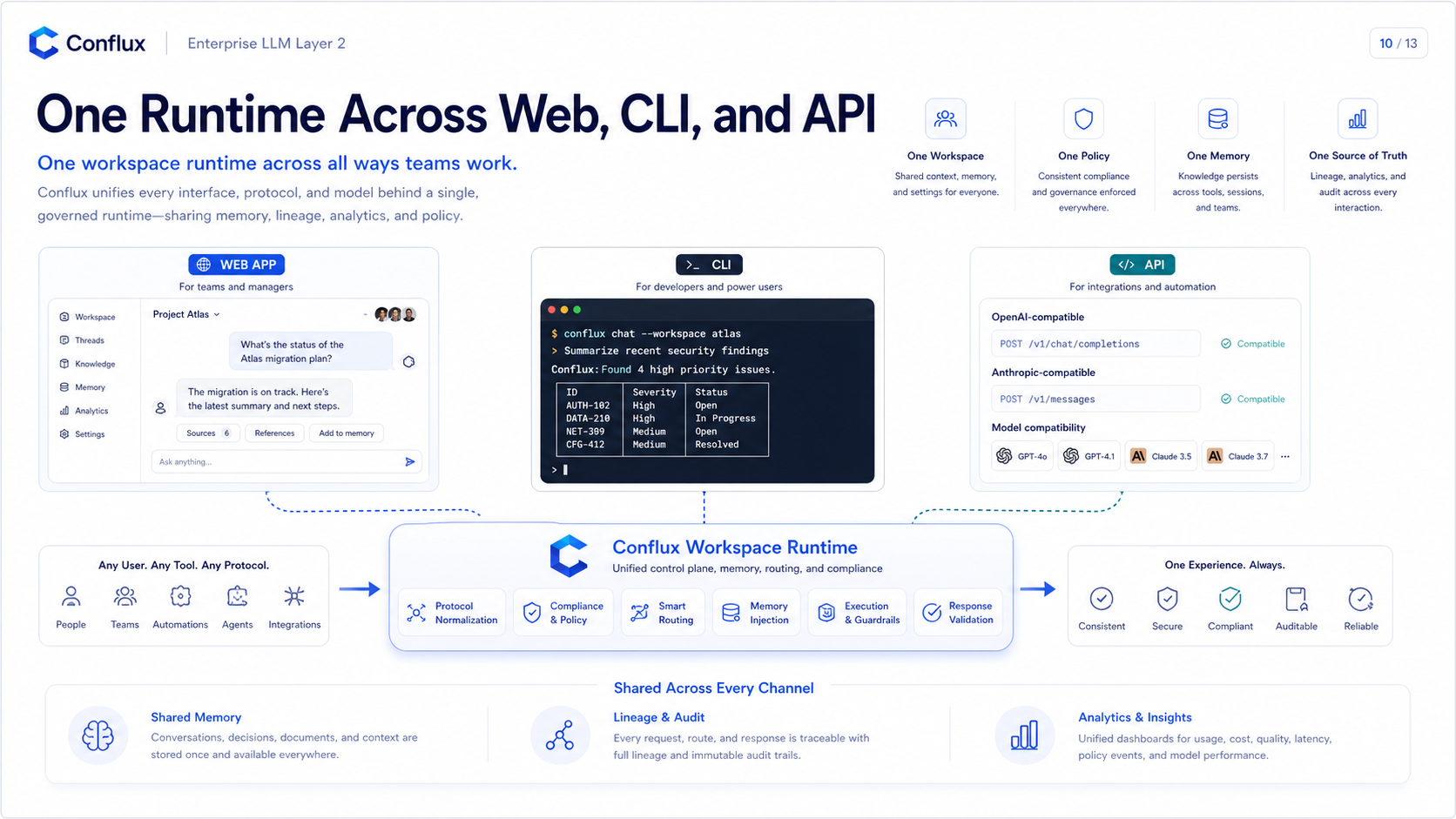 Click to enlarge
What it is
Prompt Optimizer MCP is the client-visible path for Conflux context optimization. A CLI agent calls the Conflux-hosted MCP tool first, receives optimized messages or a compacted transcript plus a receipt, then sends that optimized request to the Conflux API endpoint.
CLI agent
-> conflux_optimizer.estimate_context or optimize_prompt
-> receives optimized_messages + compact_receipt + optional artifact_refs
-> sends optimized_messages to https://api.yoiyoi.xyz/v1
Why use MCP instead of hidden server compaction
Codex CLI configuration
Register the remote MCP endpoint in Codex `config.toml`. Keep the API key in an environment variable; do not paste it into prompts or checked-in files.
[mcp_servers.conflux_optimizer]
url = "https://mcp.yoiyoi.xyz/prompt-optimizer"
bearer_token_env_var = "CONFLUX_API_KEY"
tool_timeout_sec = 120
enabled = true
Set the key before starting the CLI.
# Windows PowerShell
$env:CONFLUX_API_KEY="<CONFLUX_API_KEY>"
codex

# macOS/Linux
export CONFLUX_API_KEY="<CONFLUX_API_KEY>"
codex
Agent instructions
Installing the MCP server only exposes the tool. The agent also needs instructions that tell it when to call the optimizer and how to use the returned history.
Before sending large prompts, long tool outputs, logs, diffs, generated files, images, or long transcripts:

1. Call conflux_optimizer.estimate_context.
2. If estimated context exceeds 75% of the target model context window, call conflux_optimizer.optimize_prompt.
3. Use returned optimized_messages as the next request payload.
4. Treat compacted_summary as the replacement for older transcript sections in this task.
5. Do not resend the original oversized transcript unless the user explicitly asks for raw replay.
6. Keep the latest user instruction and current task intent unchanged.
7. For exact replay of large tool/file blocks, call optimize_prompt with store_artifacts=true and use retrieve_prompt_artifact only when the compacted view is insufficient.
Tool contract
CCR-style artifact retrieval
`optimize_prompt` and `prepare_conflux_request` can store changed tool/file artifacts only when `store_artifacts=true`. Returned `artifact_refs` let the agent call `retrieve_prompt_artifact` later if the compacted view is insufficient.
Artifact retrieval is workspace-authorized, redacts secret-like values, caps stored size, supports pagination, and returns refs only after storage succeeds. Normal analytics remains summary-only.
Analytics and receipts
Successful `optimize_prompt`, `compact_transcript`, and `prepare_conflux_request` calls write a workspace evidence event when database-backed analytics are enabled. The event stores receipt metadata such as tool name, stage, model, before/after estimates, saved chars/tokens, selected context window, safe input budget, tokenizer family, reducer ids, artifact ref count, warning count, API key id, and workspace/user identity.
Analytics does not store the raw prompt, raw transcript, optimized messages, or compacted summary. `estimate_context` remains an advisory check and does not create a savings event by itself.
Quality and production smoke
Run the deterministic Go benchmark before rolling out reducer changes.
cd services/external-api-go
go run ./cmd/conflux-optimizer-bench -ci -format table
After production deploys, run the MCP health and tools-list smoke before declaring the endpoint ready.
$env:CONFLUX_API_KEY="<CONFLUX_API_KEY>"
powershell -ExecutionPolicy Bypass -File scripts/prod-mcp-smoke.ps1
Limitations
The remote MCP can return optimized messages and a compaction receipt, but the CLI agent must actually use that result. Clients that keep their own persistent transcript may still retain older raw history unless the client supports replacing it or the agent follows the returned instructions.